



How To Build a Dating App From Scratch: A Practical Guide for Founders
Updated: October 2026
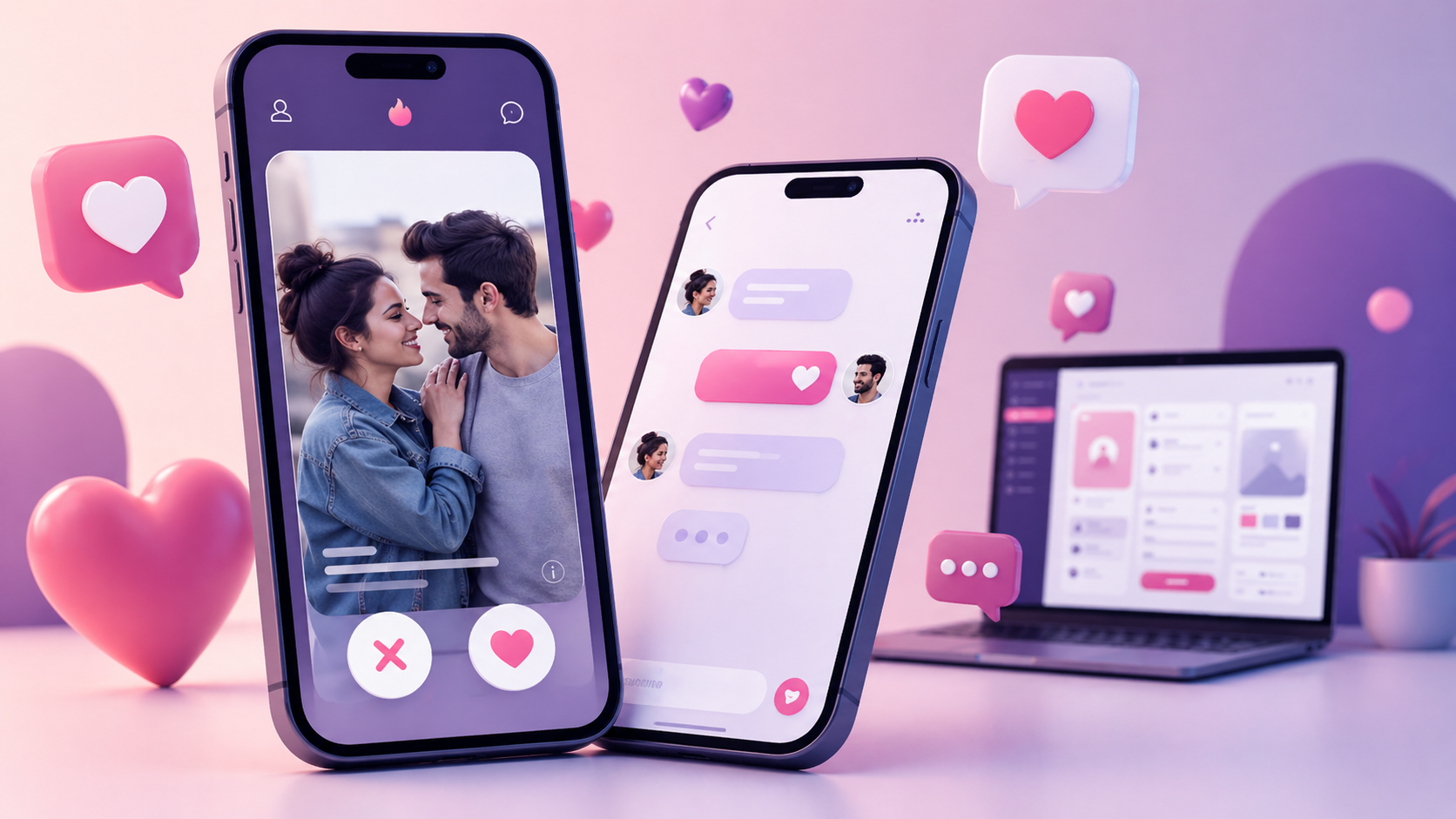
You can build a dating app yourself. Whether you call it making a dating app, creating your own dating app or launching an online dating service, the steps are the same. Frameworks and AI coding tools make a working prototype closer than ever. But a dating app is not finished when the code runs. Payments, moderation, support and updates go on every day after launch.
This guide has two parts. Part 1 covers building the app, step by step. Part 2 covers what it costs, how long it takes, and how to run it. Each chapter has a fixed number, so you can jump straight to the step you are on.
Contents
Part 1. Build your dating app
- 1.0 The short answer
- 1.1 Choose a niche and a promise
- 1.2 Define the core flow and success metrics
- 1.3 Plan your MVP features
- 1.4 Pick the format: website, PWA or mobile app
- 1.5 Choose the tech stack for a dating app
- 1.6 Design profiles, matching and chat
- 1.7 Build safety, moderation and privacy in from day one
- 1.8 Choose how the app makes money
- 1.9 Set up analytics before marketing
- 1.10 A 12-week MVP roadmap
- 1.11 Pre-launch checklist
- 1.12 Launch to your first users
Part 2. Cost, timeline and running the app
- 2.1 Dating app development cost
- 2.2 How long it takes to build a dating app
- 2.3 Running the app: the work after launch
- 2.4 Building with AI coding agents
- 2.5 Custom, ready-made or hybrid
- 2.6 Common mistakes
- 2.7 FAQ
- 2.8 Next steps
Part 1. Build your dating app
1.0 The short answer: how to build a dating app
A simple dating app setup process looks like this:
- Pick one niche and one promise for your first users.
- Build the smallest version that lets people sign up, see profiles, like, match and chat.
- Add safety tools before launch, not after.
- Choose one way to make money and test it early.
- Launch to a small group, measure, then grow.
- Decide who will run payments, moderation, support and updates once people start using it.
The chapters below expand each step.
1.1 Choose a niche and a promise
General dating apps compete with Tinder, Bumble and Hinge for the same people. A niche gives you a reason to exist. Examples: serious relationships, a faith community, seniors, LGBTQ+, professionals, expats in one city, people who share a hobby, local events.
Write your promise in one sentence: who it is for and what they get that big apps do not give them.
Before you build, answer six questions:
- Who exactly is the first audience?
- Where can you reach the first few hundred of them?
- Why would they leave the apps they already use?
- What stops them from trusting a new app?
- What is the first action a new user takes?
- What is the first moment they feel it works?
1.2 Define the core flow and success metrics
Every dating app has one path a user must complete:
sign up → see profiles → send a like → get a match → start a chat
Everything else is optional in the first version. Decide what “working” means before you build. Three signals matter most:
- Connection: how many new users send a like on day one, and how many matches turn into a first message.
- Return: how many people come back the next day and the next week.
- Payment: whether at least some people pay for the one premium feature you offer.
1.3 Plan your MVP features
An MVP (minimum viable product) is the smallest working version you can put in front of real users. Its job is to test your idea, not to compete with Tinder on features.
1.3.1 Must-have for the first version
- Registration and login (email, phone, Google, Apple or other social login)
- Short onboarding
- Profiles: name, age, location, photos, a short bio and what the person is looking for
- Photo upload with cropping, compression and size limits
- Search or a swipe feed with simple filters
- Likes and mutual matches
- One-to-one chat
- Report and block
- An admin panel to manage users, photos, payments and complaints
- Push or email notifications for new matches and messages
- One paid feature
- Basic analytics
1.3.2 Nice-to-have for later
Video calls, voice messages, live streaming, AI recommendations, AI dating coach, quizzes, events, group dating, gifts, verification badges, fraud scoring, gamification, multiple languages, referral and affiliate programs. Add them when your data shows people want them.
For a detailed feature-by-feature list, see Essential dating app features for a successful match experience.
1.4 Pick the format: website, PWA or mobile app
If you want to create an online dating app, the first technical choice is the format.
| Format | Good for | Trade-off |
|---|---|---|
| Website | Fast launch, easy to test, can be found in search | No app store presence |
| PWA (a web app that installs like an app) | App-like feel without the stores | Not a full replacement for native apps |
| Cross-platform app (Flutter, React Native) | One codebase for iOS and Android | Some advanced features need extra work |
| Native apps (Swift for iOS, Kotlin for Android) | Best performance, video, AR | Two codebases, two teams, higher cost |
Start with the smallest format that proves your idea. Many founders start with a website or PWA and add mobile apps once people use the product.
Want web, iOS and Android without building each one? See Create a dating app (iOS, Android, web).
1.5 Choose the tech stack for a dating app
There is no single best tech stack for building a dating app. There is a stack that fits your budget, your team and your features. This chapter explains each layer in plain words.
1.5.1 Mobile: cross-platform or native
- Cross-platform (Flutter, React Native). One codebase for both phones. Good for profiles, swipes, chat and notifications, which is most of a dating app.
- Native (Swift, Kotlin). Two separate apps. Worth it when the product depends on heavy video, AR effects or the newest phone features.
1.5.2 Backend
The backend is the server that stores profiles, matches and messages.
- Node.js is a common choice for real-time chat and notifications. Messages travel over WebSockets, a connection that stays open so messages arrive instantly.
- Python (for example Django) is common when you plan matching based on machine learning, because most ML tools are written for Python.
- Frameworks such as Ruby on Rails help a small team ship an MVP fast, but need tuning as the user base grows.
1.5.3 Databases
- PostgreSQL for data that must be correct: accounts, payments, matches. With the PostGIS extension it handles “people within 10 km” searches.
- MongoDB for flexible profile data that changes often.
- Redis keeps fast-changing data in memory: who is online, active chats, cached results. It takes load off the main database.
1.5.4 Managed backend or your own server
Services such as Firebase or Supabase give you login, database, file storage and notifications in days, without server programmers. The trade-off: you depend on one provider, costs grow with your users, and moving away later takes real work.
Your own server (for example Node.js or Django with PostgreSQL) takes longer to build and needs someone to run it, but you control the data and the costs. A common path is to start managed and move to your own server once the product proves itself.
1.5.5 Media, maps and notifications
- Photos and video: store files in object storage (such as Amazon S3) and deliver them through a CDN, a network of servers that keeps images fast everywhere.
- Location: Google Maps API or Mapbox for maps and distance.
- Notifications: Apple and Google push services, usually through Firebase Cloud Messaging.
- Security: encrypted connections (TLS), hashed passwords (bcrypt or Argon2), social login, and two-factor login for admins.
1.6 Design profiles, matching and chat
1.6.1 Profiles
Profile fields should match your niche. A serious-relationship app asks about goals and values. A professional app asks about education and career. Good profiles are the main reason people reply, so prompt users to add photos and complete their bio.
1.6.2 Matching: simple rules first, machine learning later
Start with filters people understand: location, age range, gender and orientation, relationship goals, interests, profile completeness, activity and mutual likes.
Machine learning needs data about who likes and replies to whom. A new app does not have that data yet. Add smarter matching once you have enough interactions to learn from. There are three common approaches: collaborative filtering (“people like you liked…”), content-based filtering (matching profile features) and a hybrid of both.
1.6.3 Chat
One-to-one text chat is enough for the first version. Decide who can write first: only after a match, or with permission. Add spam limits, a report button inside the chat and notifications for new messages.
1.7 Build safety, moderation and privacy in from day one
Dating apps attract fake profiles and scammers, and users leave quickly when they meet them.
For the first version:
- Email or phone verification
- Photo moderation before photos go public
- Report and block in profiles and chats
- An admin queue to review reports
- Detection of suspicious accounts (many likes in minutes, copied photos)
- Clear community rules and privacy settings
- Secure login
Later:
ID and selfie verification, automatic image and text moderation, duplicate account detection, risk scoring, and safety features for real dates, such as sharing date details with a friend.
Privacy rules: if you have users in the EU, GDPR applies. In California, CCPA/CPRA applies. Plan consent, data export and account deletion from the start. Adding them later costs more.
1.8 Choose how the app makes money
Common dating app models:
- Monthly subscription
- Freemium with paid extras
- Paid “boost” to appear higher
- Paid access to “who liked you”
- Message limits for free users
- Credits for premium actions
- Virtual gifts
- Premium filters
- Ads
- Paid events or manual matchmaking
Pick one or two for the first version and test them early. Payment accounts are opened by the app owner: Apple App Store, Google Play, and a card processor for the web. Each provider takes a commission from every sale, so build it into your price. See chapter 2.1 for store fees.
1.9 Set up analytics before marketing
Without numbers you cannot tell which step loses people. Track the full funnel:
visit → registration → completed profile → photo upload → first like → first match → first message → reply → paid
Also track retention on day 1, day 7 and day 30, and the number of reports and blocks. Tools such as Google Analytics, Firebase Analytics, Mixpanel or Amplitude cover this.
1.10 A 12-week MVP roadmap
A lean plan for a small team. Real timelines depend on scope; see chapter 2.2 for longer agency estimates.
| Weeks | What happens |
|---|---|
| 1–2 | Choose one narrow audience. Build a clickable prototype of the full user journey (for example in Figma). Agree on success metrics. |
| 3–4 | Basic design system (buttons, fonts, colors, layouts). Data model: profiles, photos, likes, matches, messages, reports. |
| 5–8 | Development: login, profiles, feed or search, matching, chat, report and block, admin panel, push notifications. |
| 9–10 | One paid feature and payment integration (Apple, Google, or a card processor for the web). Speed, photo compression, basic anti-spam. |
| 11–12 | Soft launch to a small invited group. Fix bugs. Prepare store pages, privacy policy, terms of use and screenshots. |
1.11 Pre-launch checklist
- Niche and promise written in one sentence
- Core flow works end to end
- Profiles with photos and photo moderation
- Search or feed with filters
- Likes, matches and chat
- Report, block and an admin queue
- One paid feature, tested with real payments
- Notifications for matches and messages
- Analytics funnel and retention tracking
- Privacy policy and terms of use
- App store pages and screenshots (for mobile)
- Landing page
- Support email or chat, and who answers it
- Moderation schedule: who checks reports, and how often
- Backlog of features for after launch
1.12 Launch to your first users
Start in one city or one community. A small group where people can actually meet beats a large group spread thin.
Channels that work for early dating apps: search (SEO), paid search, social media, influencers in your niche, forums and communities, referrals, local PR, events, email lists and offline partners.
Quality beats volume. A hundred active, real profiles in one place are worth more than thousands of empty accounts. Measure, fix the biggest drop in the funnel, then grow.
Continue to Part 2: cost, timeline and running the app.
Part 2. Cost, timeline and running the app
2.1 Dating app development cost
How much does it cost to build a dating app? It depends on the format, the features and who builds it. Below are outside estimates with sources, the fixed fees everyone pays, and what moves the price.
2.1.1 Agency estimates
Chop Dawg, a US app agency, puts a focused dating app MVP at $25,000 to $60,000. Complex builds with AI matching, video chat or large-scale infrastructure run $75,000 to $150,000 or more. Their breakdown for a focused MVP:
| Phase | Time | Cost (USD) |
|---|---|---|
| Discovery and planning | about 1 month | $5,000–$12,000 |
| UX/UI design and prototype | 1–2 months | $8,000–$18,000 |
| Development and testing (MVP) | 3–4 months | $12,000–$30,000 |
Source: Chop Dawg, “How to build a dating app in 2026”. Other agencies quote different ranges. Treat any estimate as a starting point, not a quote.
2.1.2 What moves the cost
- Platforms: web only, or web plus iOS and Android.
- Native vs cross-platform: two codebases cost more than one.
- Media: photo processing, video profiles and video calls.
- Real-time chat and notifications.
- Moderation and admin tools: often forgotten in budgets, always needed.
- Payments: each provider is a separate integration.
- Design depth: a template vs a custom brand.
- Compliance: GDPR, CCPA, age checks where required.
- Testing and app store preparation.
- Who builds it: in-house team, freelancers or an agency, and in which country.
2.1.3 Fixed fees everyone pays
| Fee | Amount | Source |
|---|---|---|
| Apple Developer Program | 99 USD per membership year | Apple |
| Google Play developer account | US$25 one-time | |
| App Store commission (Small Business Program) | 15% on paid apps and in-app purchases for developers under 1 million USD in proceeds | Apple |
| Google Play service fee | 15% on the first $1M of annual earnings, 30% above; 15% on auto-renewing subscriptions |
Web payments through a card processor have their own per-transaction fee, which varies by provider.
2.1.4 Cost to build a dating website vs an app
A dating website skips app store fees and store review, and one codebase serves every device through the browser. That is why many founders test the idea on the web first and add apps later. The cost drivers in 2.1.2 still apply: chat, moderation, payments and admin tools are needed either way.
2.1.5 The build price is only the start
After launch you pay every month for hosting, storage, notifications, moderation, support, store commissions and updates. Chapter 2.3 explains each one. Plan for these costs before you choose how to build.
2.2 How long it takes to build a dating app
- A simple web version to test the idea: much faster than a custom mobile app, especially on ready-made software.
- A lean MVP with a small team: about three months is possible with a tight scope. See the 12-week roadmap.
- A quality custom MVP through an agency: Chop Dawg estimates six to eight months, including discovery, design, development and testing.
- A complex custom platform: 8–12 months or more by the same estimate.
2.2.1 What slows projects down
- Unclear requirements
- Changing scope during development
- Too many features in the first version
- Payment provider approval
- App store review rejections
- No one on the business side making decisions quickly
- Late safety and privacy work
Write the scope on one page before development starts. It saves more time than any framework.
2.3 Running the app: the work after launch
Building is half the job. Think of a coffee shop. A good home espresso machine is not expensive, and anyone can learn to make a decent cup. Most people still buy their coffee, because making it every day is work they do not want. A dating app is the same: building it is the machine, running it is making coffee every morning for every customer.
Once real people use your app, four kinds of work never stop.
2.3.1 Payments
Merchant accounts, failed charges, refunds, chargebacks, subscription renewals and store payouts. Each provider has its own rules and reviews.
2.3.2 Moderation
New photos and profiles every day, user reports, fake accounts and scammers. Someone has to check the queue daily. As the app grows, you add automatic filters, but a human still decides the hard cases.
2.3.3 Support
Users forget passwords, cannot pay, want to delete their account or report a bad date. Every question needs an answer, and slow answers turn into bad reviews.
2.3.4 Updates and hosting
Servers must stay online and backed up. iOS and Android release new versions every year, store rules change, and security fixes come out. Each one can break something in your app.
2.3.5 Who does this work with open-source software
This work exists whether you write the code yourself or start from ready-made software. With open-source dating software you own the code, and you are also responsible for updates, hosting and support.
For example, Dating Pro’s pricing page explains that:
- owners open their own payment accounts;
- the payment provider’s commission (2.9–15% depending on the provider) goes to the provider, not to Dating Pro;
- update files are free for 12 months.
So the real question is not “can I build it?” but “who will run it every day?”
2.4 Building with AI coding agents
Some builders now say “software is dead”: with AI they cancel subscriptions and code their own tools. Others answer that most people can build but do not see themselves as builders, and do not want to maintain what they build. Ben’s Bites collected both sides of this debate in October 2026.
For a dating app the answer is practical. AI coding agents such as Claude Code, Cursor and Codex can write a large part of a dating app’s code. They are good at screens, forms, APIs and fixing bugs. They do not remove the work in chapter 2.3: payments, moderation, support and updates still need an owner.
There are two ways to use them.
2.4.1 From an empty folder
The agent builds everything: registration, profiles, chat, payments, moderation and the admin panel. You review and test every part, because each one touches money or personal data.
2.4.2 From a working base
You start with dating software where payments, moderation, matching and chat already work, and use the agent only for what makes your app different. This is where agents shine: small, clear changes on top of a working product. One SaaS founder described a trial user asking for a way to filter her invoices; he sent the request to Claude and the feature was live in about 15 minutes. Dating Pro for AI coding agents ships with AGENTS.md and CLAUDE.md files in the source code, so the agent understands the project before it changes anything. The code is yours, with no monthly platform fee.
2.5 Custom, ready-made or hybrid
| Approach | Best when | Watch out for |
|---|---|---|
| Custom development | Your idea needs features no platform has | Highest time, cost and risk |
| Ready-made dating software | You want to test the market quickly | You may adapt your idea to the platform at first |
| Hybrid: ready-made base + your own features | You want a fast start and your own features later | Someone still has to manage changes and updates |
2.6 Common mistakes
- Too many features in the first version. Test the core flow first.
- Copying Tinder without a niche. You will compete with Tinder’s budget.
- Safety as a later feature. Fake profiles kill trust in the first weeks.
- Complex matching before you have data. Simple filters first.
- Ignoring profile quality. Empty profiles get no replies.
- Monetizing too hard too early. Let people feel the value first.
- Launching without analytics. You will not know where people leave.
- Budgeting the build but not the running costs. See 2.3.
2.7 FAQ
How do I create my own dating app from scratch?
Choose a niche, build the core flow (sign up, profiles, likes, matches, chat), add safety tools and one paid feature, launch to a small group, measure and improve. Decide who will run payments, moderation, support and updates before launch. The full sequence is in Part 1.
How long does it take to build a dating app?
A simple web test can be quick. A lean MVP can take about three months with a tight scope. An agency estimate for a quality custom MVP is six to eight months. See 2.2.
How much does it cost to build a dating app?
One agency estimate puts a focused custom MVP at $25,000–$60,000 and complex builds above $75,000. Store fees and monthly running costs come on top. See 2.1.
Should I start with a website or a mobile app?
Start with the smallest format that proves your idea. A website or PWA is faster to launch and test. Add apps once people use the product. See 1.4.
What is the best tech stack for a dating app?
There is no single best stack. Cross-platform frameworks save time on mobile. The backend must handle real-time chat, location search, photo storage and payments securely. See 1.5.
How does matching work in a dating app?
Most apps start with filters (location, age, goals, interests) and add machine learning once they have enough data about who likes and replies to whom. See 1.6.2.
Can I build a dating app with AI?
AI coding agents can write much of the code, especially on top of a working base. They do not run the app for you. See 2.4.
2.8 Next steps
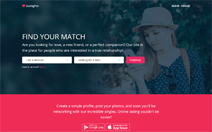
- Try it. Open the Dating Pro demo and click through registration, search, matches and chat as a user and as an admin.
- Buy without risk. Choose a plan on the pricing page. It comes with a 14-Day Money-Back Guarantee.
- Make it yours with AI agents. Use Claude Code, Cursor or Codex to add your own features on top of a working platform: Dating Pro for AI coding agents.