




How to Run Usability Testing for Your Dating App Prototype: Methods, Test Users, and Result Analysis
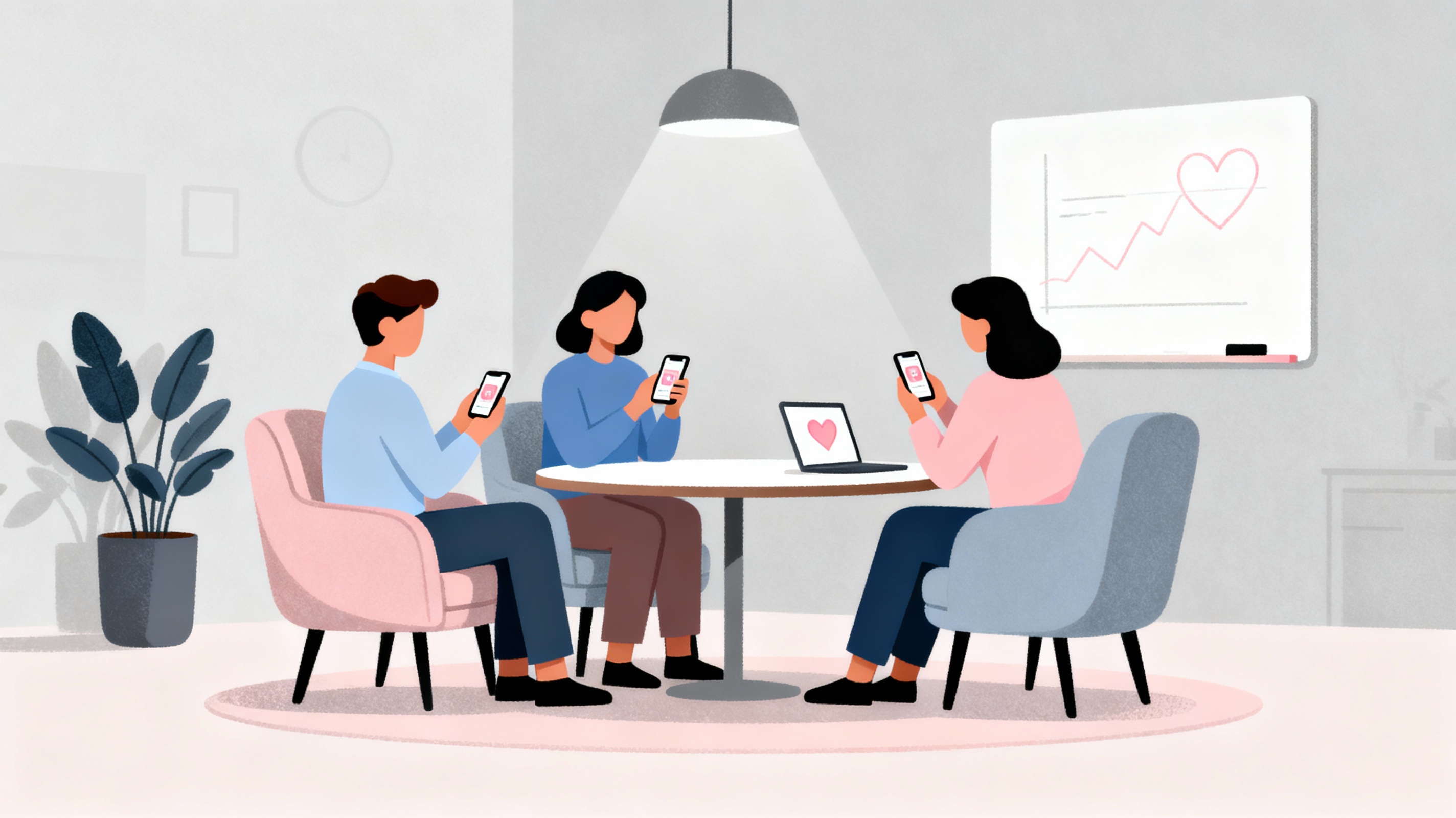
Usability testing for a dating app is not about making the buttons prettier. It is about giving real people who are actually looking for dates one hour with your product—and being brave enough to face their truth. When you do it right, usability testing turns from a “research ritual” into a series of brutally honest conversations about why some users swipe their way into relationships while others uninstall your app after 10 minutes.
Why Dating App Prototypes Must Be Tested Early
A dating app is more than an interface. It is a fragile mix of vulnerability and excitement. Your users open the app hoping “someone for me is here,” while secretly fearing they will look desperate, awkward, or boring. If they get lost in onboarding, do not understand how to edit their profile, or never notice when someone likes them, they will not debug your UX—they will simply leave.
The real purpose of usability testing a dating app prototype is to find the exact moment when a user stops believing in your product and quietly heads for the exit. Your job is to fix that moment before you sink months of time and money into development, marketing, and infrastructure for a product nobody can comfortably use.
What to Test in a Dating App Usability Study
With an early‑stage dating app prototype, testing “everything at once” is a trap. Focus your first usability testing round on the critical user journeys:
-
Onboarding: Does the user understand what this dating app is about and who it is for? Do they feel “this is for people like me” within the first two screens?
-
Profile creation: How much time and emotional effort does it take to create a dating profile? At what point does the user get tired, embarrassed, or tempted to skip steps?
-
Discovery feed / card stack: Is it obvious who is in front of them, why this person might be interesting, and what happens when they swipe left/right, tap like, or skip?
-
Match and first message: Is the moment of the match noticeable and emotionally rewarding? Does the user clearly understand what to do next and how to send the first message?
If you try to test every feature in one session, you will never know exactly where users get stuck. A couple of short but sharp scenarios will give your product team more insight than one overloaded “tour of the whole app.”
How to Prepare a Realistic Dating App Prototype
For a usability test, your dating app prototype does not have to be perfect—but it must be honest. It should support a real, end‑to‑end flow:
-
Coherent navigation: Onboarding → sign‑up → profile creation → discovery feed → match → chat. You do not need every feature, but you do need a complete “from registration to first message” journey.
-
Realistic profiles: Do not fill the feed with “Mock User #1/2/3.” Use diverse, believable example profiles that mirror your target audience. Users detect fake content instantly, and their behavior changes.
-
Visible feedback: Every key action—swipe, like, match, message—must produce a visible response. Even if it is just a screen transition or temporary banner, “dead” taps kill the sense of a living product.
Your prototype can be in Figma, InVision, Marvel, or a clickable early build. The key is to minimize the amount of “please imagine that here you would see…”—the more users have to imagine, the less reliable your insights.
If you have a clear concept and a good sense of your niche, but limited experience in designing dating‑specific UX flows, the Dating Pro team can help you shape a test‑ready prototype. We focus on the critical dating scenarios and screens for usability testing, help you decide where high‑fidelity interactions are necessary, and where you can safely cut corners while still getting honest user feedback. You bring the idea—we help you turn it into a prototype that is ready for real‑world testing.
How to Recruit the Right Test Users (and Avoid “Office Friends”)
Usability testing a dating app lives or dies by who you put in front of the prototype. The number‑one mistake is to recruit colleagues and ask them to “pretend you’re single.” They will joke, protect themselves with irony, and give you surface‑level feedback.
For meaningful dating app usability insights, recruit people for whom finding dates is a real, current problem:
-
Relationship status: Truly single or actively looking, not “I’m in a relationship but curious about your app.”
-
Experience level: Mix active dating‑app users, first‑timers who are just considering online dating, and a few “burned” users who tried apps before and quit.
-
Age and context: Different age groups (e.g., 20–25, 26–35, 35+) and locations (big cities vs smaller towns) often use and judge dating apps differently.
If your product is niche—e.g., a dating app for single parents, tech professionals, or one particular city—your usability test sample must mirror that niche. Otherwise you will get “generic” opinions that do not translate into real product‑market fit.
Where to Find Participants and How to Incentivize Them
Honest usability testing of dating apps asks people to open a deeply personal area of their life, so your incentive needs to acknowledge that.
Good recruitment sources:
-
Communities already talking about dating: local social media groups, chat communities, forums for singles, Telegram channels focused on relationships and dating.
-
Your existing audience: If you already have a newsletter, blog, or social presence, part of your audience will apply “out of trust” and curiosity about your product.
-
Paid research panels: When you need 10–15 people with strict criteria on short notice, professional recruiting services can be worth the money.
The best incentive is often a mix of a clear monetary reward for their time plus a tangible in‑product bonus after launch (e.g., free premium access for a period of time). Many test users value “early access” and the feeling that their feedback directly shapes a real product as much as they value cash.
Writing Effective Usability Test Scenarios for a Dating App
“Click around and tell us what you think” is not a usability test. Strong dating app usability tests are built on real‑life, emotionally grounded scenarios, such as:
-
“You have just come out of a breakup and finally decided to give dating apps a chance. Sign up, create a profile, and see what kind of people show up in your feed.”
-
“You see someone you genuinely like in your card stack. Show how you would express interest and try to get to a first message.”
-
“You have used the app for a week, got several likes and a couple of matches. Show how you would filter candidates down to people who truly match your criteria.”
The scenario provides context and motivation. Then your job is to observe: what they do, where they hesitate, where they laugh nervously, where they start reading button labels out loud. Those tiny moments are where the most powerful UX insights live.
How to Moderate a Dating App Usability Test Session
A good moderator for dating app usability testing knows how to hold silence. The goal is not to explain the interface but to watch how people truly behave.
Practical guidelines:
-
Ask participants to think aloud: “Say everything that goes through your head as you’re trying to take the next step.” When someone mutters “where do I see who liked me,” that is priceless data.
-
Resist the urge to help: When a user gets stuck, ask “What are you expecting to find here?” or “Where did you look first?” before you give any hint.
-
Watch micro‑reactions: A flinch, a smirk, a quiet swear word—these are often responses to copy, icons, and micro‑interactions. Follow up: “You smiled—what went through your mind just now?”
The session should feel less like an interrogation and more like an experienced bartender listening to stories while quietly taking notes about what people order and how they react to the atmosphere.
What to Capture During Dating App Usability Testing
If, after a full testing day, you are trying to recall “what that guy in the blue shirt said about the match screen,” you have already lost. You need hard evidence:
-
Screen and audio recording (with clear consent and a short, human explanation of why you are recording).
-
Moderator notes about where people got stuck, what they said in moments of confusion, and which actions they repeated multiple times.
-
Time‑stamped events: “01:32 — doesn’t understand what the ‘eye’ icon means,” “07:10 — asks how to change age filter,” “12:45 — fails to notice match notification.”
The more concrete the facts, the easier it is to convince your team that “we have a real problem with match visibility,” instead of arguing over opinions.
Turning Raw Dating App Feedback into Actionable UX Changes
After several rounds of usability sessions, you can drown in quotes and anecdotes. To make your dating app better, you need structure:
-
Map the core user journey: Onboarding, profile, discovery feed, match, chat. For each step, list where people struggled, where they were confused, and where they expressed positive emotions.
-
Classify issues by severity:
-
Blockers: Users cannot complete the flow (cannot register, cannot start a chat).
-
Critical issues: Strongly degrade the experience (hard to edit profile, filters are hidden or unclear).
-
Cosmetic issues: Impact comfort but not completion (microcopy, icons, animation speed).
-
-
Attach a solution hypothesis to each problem: “User does not understand what ‘Super Like’ means → add a short in‑context explanation on first use plus an always‑visible tooltip in the feed.”
Your end result should not be a vague “what people didn’t like” report, but a prioritized product backlog: what to fix now, what to A/B test, and what to revisit in the next testing cycle.
What Is Special About Usability Testing for Dating Apps
Dating apps are uniquely fragile. Users are not only judging your app’s usability—they are judging how your product makes them look and feel as potential partners. Pay special attention to:
-
Sense of control: Can users easily hide their profile, limit who sees them, and block unwanted people? This affects whether they trust you with their vulnerability.
-
Status visibility: Is it obvious when a profile is saved, a like is sent, a match happens, or a message is delivered? In dating, lack of feedback quickly turns into “I feel invisible.”
-
Tone of voice: Copy that might be “funny enough” in a generic consumer app can feel cruel, cringe, or shaming in a dating context. Sanity‑check every key phrase with real users.
If test participants say, “It’s not perfect, but I would actually try using this,” you are on the right track. If they say, “This doesn’t feel like it’s for me,” you broke either the sense of safety or the feeling of being truly seen.
Making Usability Testing a Habit, Not a One‑Off Event
Running one usability test and ticking a box is like going on one date and deciding you fully understand relationships. A dating app stays alive only as long as you:
-
Regularly test how new features impact the core journey (sign‑up → match → first message).
-
Cover not just “golden path” first‑time experiences but also returns after a break, failed conversations, and opt‑out scenarios.
-
Listen to both numbers (conversion, retention, subscription rate) and “qualitative noise”—the phrases and patterns that keep repeating across tests.
The best dating apps grow into living cities, full of stories and connections. Usability testing is your late‑night walk through that city with its actual residents. If you learn to listen to their footsteps instead of just staring at heatmaps, you have a real chance to build not another Tinder clone, but a place where your users genuinely want to stay.
Frequently Asked Questions About Dating App Usability Testing
Q: How many users do I need for dating app usability testing?
A: For a dating app prototype, 5–8 users per round typically reveal 80–85% of critical usability issues. If you target multiple distinct user segments (e.g., different age groups, first-time vs experienced app users, different genders or orientations), aim for 3–5 participants per segment. Quality and diversity matter more than raw numbers.
Q: Should I test a dating app prototype on mobile or desktop?
A: Always test on mobile devices first, since 90%+ of dating app usage happens on smartphones. Use real phones (iOS and Android) rather than desktop simulators. Desktop testing only makes sense if your product includes a web version for profile editing or extended features.
Q: What is the ideal length for a dating app usability test session?
A: 45–60 minutes per participant is optimal. Dating scenarios require emotional engagement, which gets exhausting. Sessions longer than 75 minutes produce diminishing returns as participants lose focus and authenticity. If you need to test multiple flows, split them across different users rather than overloading one person.
Q: How much should I pay dating app usability test participants?
A: In the US and Western Europe, $50–$100 per hour is standard for consumer app testing. Dating app testing is more personal, so consider the higher end of that range plus an in-product incentive (e.g., free premium membership after launch). Adjust rates based on your local market and target demographic.
Q: What tools do I need to conduct remote usability testing for a dating app?
A: Use screen recording + audio tools like Lookback.io, UserTesting, Maze, or even Zoom with screen sharing. Ensure you can capture both the participant’s screen interactions and their facial expressions/tone of voice. For prototypes, tools like Figma Mirror, Marvel, or InVision allow mobile testing of clickable prototypes.
Q: Can I use A/B testing instead of usability testing for my dating app?
A: A/B testing and usability testing serve different purposes. A/B testing tells you what users do (metrics, conversion rates), while usability testing reveals why they do it and where they struggle. For early-stage dating app prototypes, qualitative usability testing is essential to understand user emotions, confusion points, and unmet expectations before you have traffic for meaningful A/B tests.
Q: How do I recruit single people for dating app testing without making it awkward?
A: Be transparent and respectful. Frame your recruitment message around “helping shape a new dating experience” rather than asking people to expose their dating struggles. Clearly explain what the session involves, emphasize confidentiality, and offer fair compensation. Recruiting through dating-related communities (Reddit, Facebook groups, local singles events) tends to attract people who are comfortable discussing the topic.
Q: What are the biggest usability mistakes in dating app prototypes?
A: The most common issues are: unclear onboarding that fails to communicate the app’s unique value, overly long or invasive profile creation, hidden or confusing match notifications, lack of visible feedback after key actions (like, swipe, message sent), and poor chat discoverability. Many teams also underestimate how critical fast load times and smooth animations are—dating apps compete on “feel,” not just features.
Q: Should I test my dating app’s matching algorithm during usability testing?
A: Not directly. Usability testing focuses on the user interface and experience, not backend logic. However, you can test whether users understand how matching works, whether the results feel relevant to them, and whether they can easily adjust preferences or filters. Save algorithmic performance testing for later stages with real data.
Q: How often should I run usability tests as my dating app evolves?
A: Run usability testing at every major milestone: initial prototype, before development starts, after adding core features (chat, filters, premium), and before public launch. Post-launch, test quarterly or whenever you introduce features that change core user flows. Continuous, lightweight testing (5 users every 6–8 weeks) often catches issues faster than annual “big” research projects.
Q: What makes Dating Pro qualified to help with dating app prototypes?
A: Dating Pro specializes in the unique UX challenges of dating and matchmaking platforms. We understand the emotional context, privacy concerns, and user psychology specific to romantic connections. Our team helps founders and product teams translate dating app concepts into test-ready prototypes that reveal honest user behavior, not polite feedback. We do not handle user recruitment, but we ensure your prototype is built to extract maximum insight from the users you bring to the test.